Fiber Inside. Rack Ready. sales@fiberack.com WhatsApp

ModelFR-PP-3U-002
3U Sliding MPO Cassette Patch Panel with 12 Cassettes, 144 Fibers
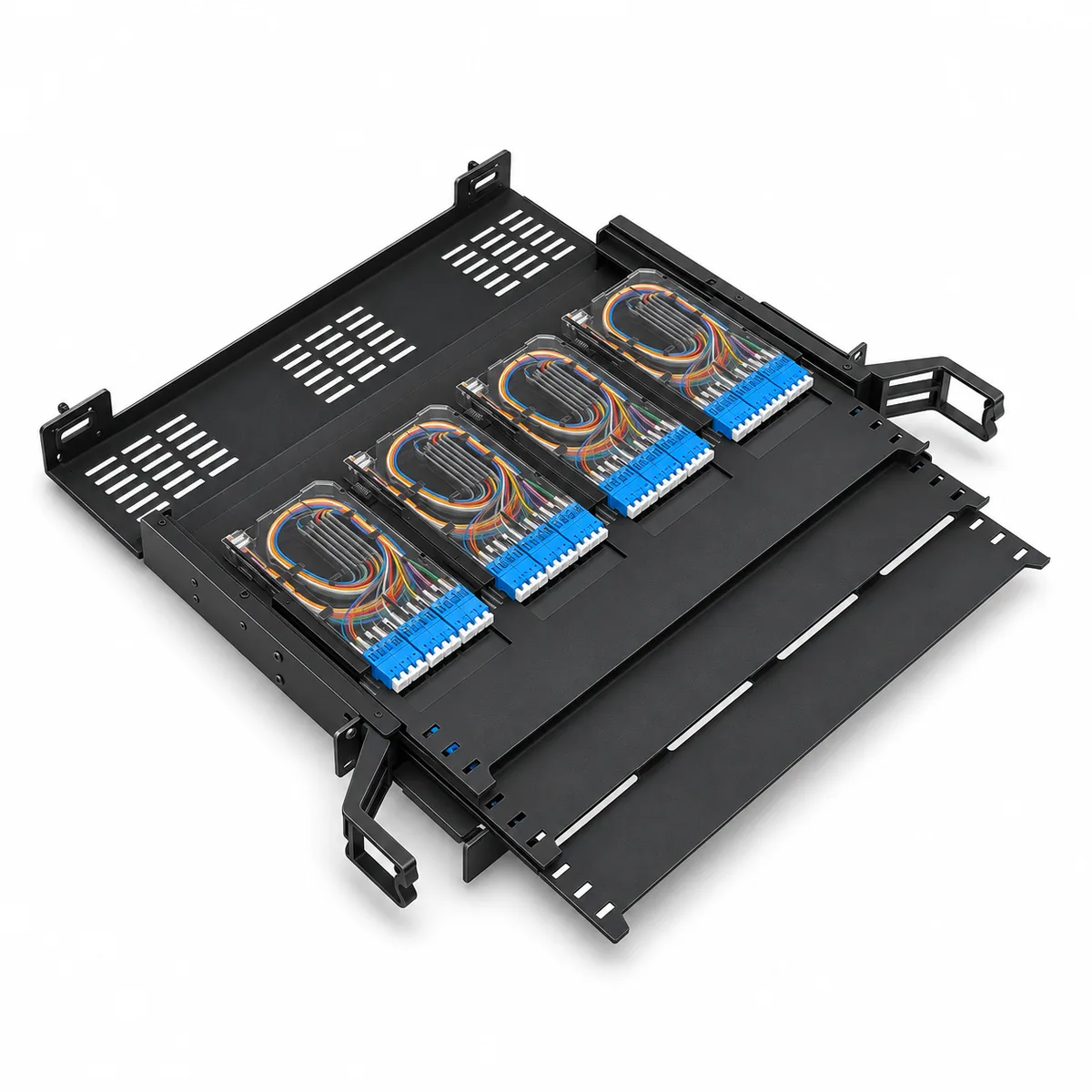
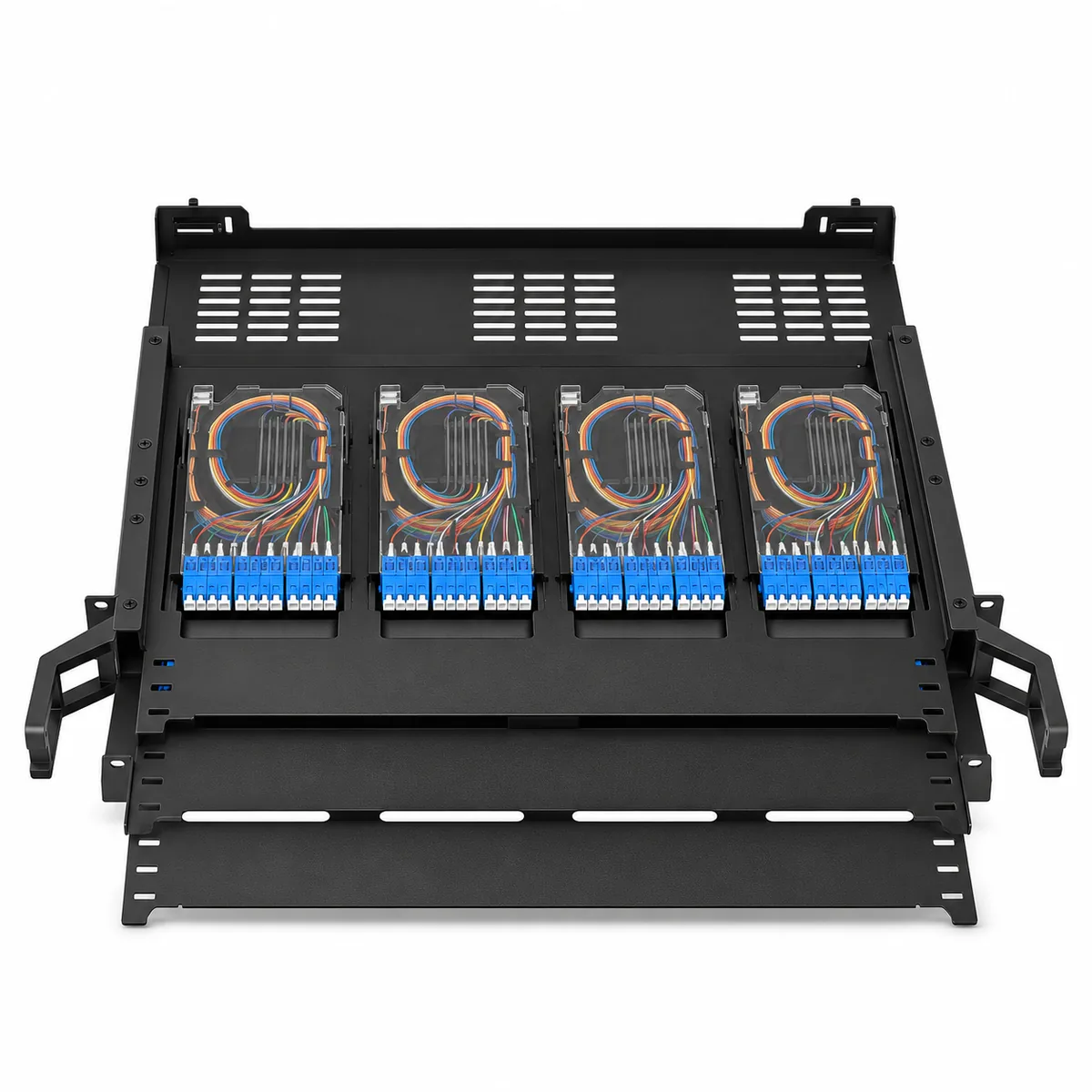
A 3U, 19-inch rack-mount MPO patch panel with three independently sliding trays. Each tray holds four cassettes and each cassette takes three LC quad adapters, giving 12 cassettes and up to 144 fibers for data center backbone patching and FTTH rack distribution.
- Rack height
- 3U
- Sliding trays
- 3, each slides out independently
- Cassettes
- 12 (4 per tray)
- Fiber capacity
- Up to 144 fibers (12 per cassette)
- Dimensions (W × D × H)
- 63 × 54 × 13 cm (24.8 × 21.3 × 5.1 in), width incl. side clips
- Material
- 1.5 mm cold-rolled steel
Overview
3U Sliding MPO Patch Panel Features
Three sliding trays, 12 cassettes and up to 144 fibers, serviced one layer at a time from the front of the rack.
Three independent sliding trays
Each of the three trays slides out on its own, so you can work on one layer without disturbing the others.
12 cassettes, 144 fibers
Four cassettes per tray and three LC quad adapters per cassette give 12 fibers per cassette and 144 fibers per chassis.
Layered routing and cable management
Routing space on each tray and front cable management help organize and identify patch cords.
Modular termination
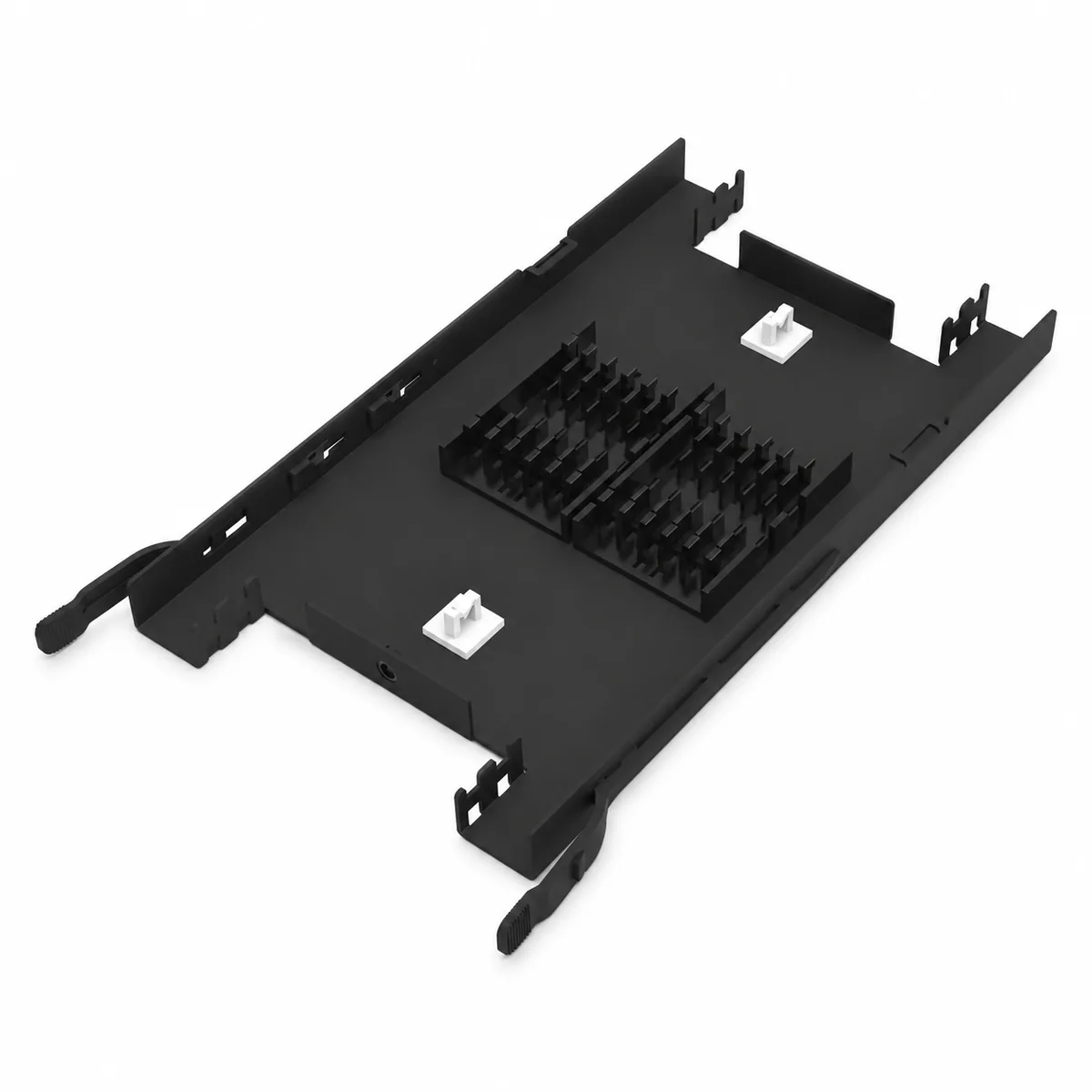
Matched cassettes connect MPO/MTP trunks to the front fiber interfaces; termination and trunk options follow your project.
1.5 mm cold-rolled steel
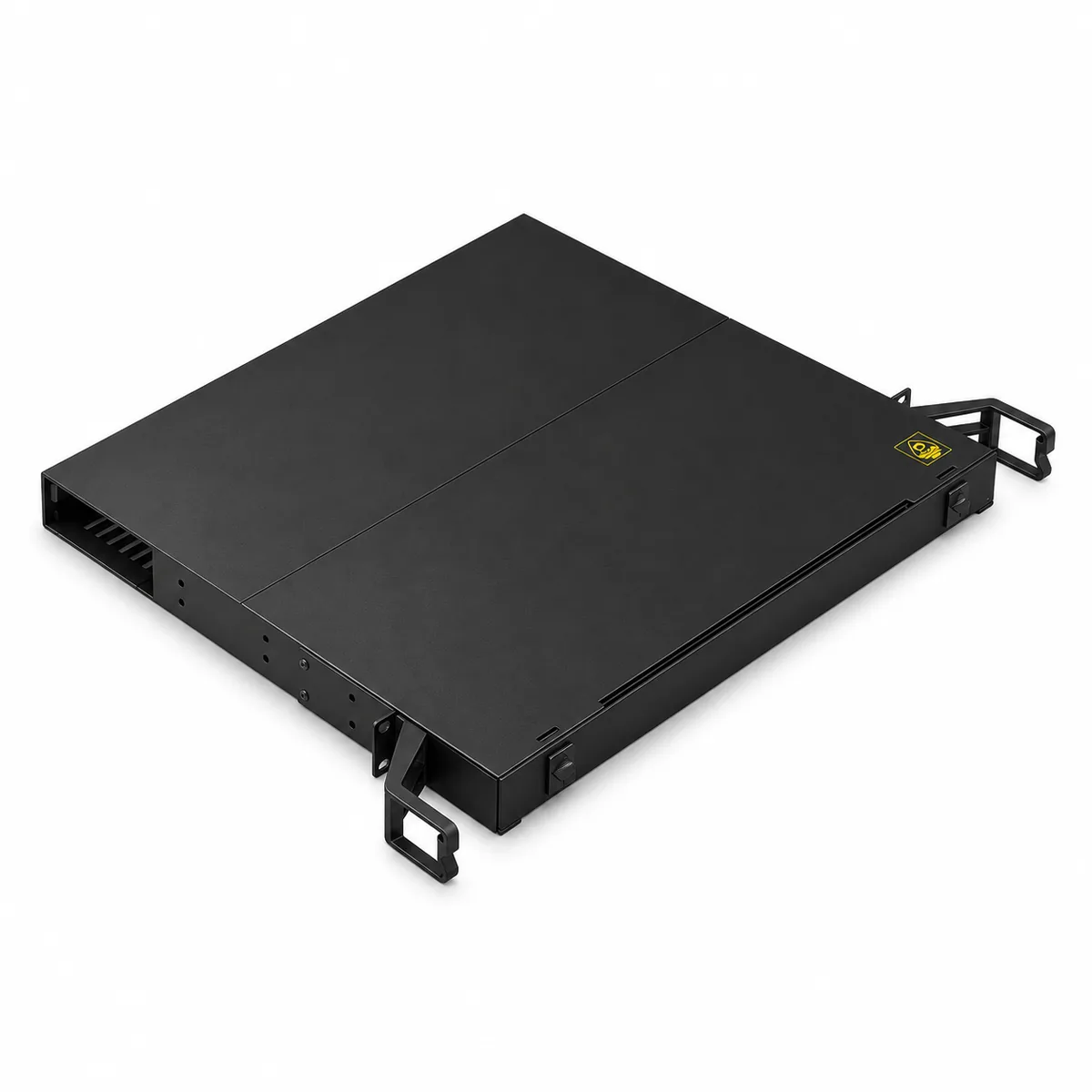
Housing in 1.5 mm cold-rolled steel sheet with a standard RAL 9005 black finish.
Empty or loaded
Order the chassis empty or loaded; cassette quantity, fiber count and accessories follow your order.
Applications
- Data center backbone patching
- FTTH rack distribution
- Enterprise fiber management
- 19-inch rack installations
Specifications
3U 144-Fiber Sliding MPO Patch Panel Specifications
| Standard Specification | |
|---|---|
| Rack height and mounting | 3U, 19-inch rack mount |
| Construction | Three sliding trays, each slides out independently |
| Cassette capacity | 12 cassettes, 4 per tray |
| Front interfaces per cassette | 3 LC quad adapters (12 fibers) |
| Maximum fiber capacity | 144 fibers (12 cassettes × 12 fibers) |
| Interface options | LC, SC or MPO, using matched cassettes or adapter panels |
| Typical applications | Data center backbone patching, FTTH rack distribution and enterprise fiber management |
| Construction and Mechanical | |
| Overall dimensions (W × D × H) | 63 × 54 × 13 cm (24.8 × 21.3 × 5.1 in); width includes the side clips |
| Rack fit | Body fits standard 19-inch racks |
| Housing material | 1.5 mm cold-rolled steel sheet |
| Standard color | RAL 9005 black; custom colors on request |
| Reference gross weight | 6.89 kg (15.2 lb); varies with fitted components and packaging |
Allow rack depth and service clearance for tray travel. LC, SC and MPO interfaces require dimensionally matched cassettes or panels; match fiber type, polish and MPO/MTP polarity to the link design.
Ordering
Customization and Ordering
The model covers the 3U chassis with three sliding trays. Choose one option in each field below and list them in your inquiry with the quantity.
- SupplyEmpty chassisLoaded
- InterfacesLCSCMPO
- ColorBlack RAL 9005Custom color
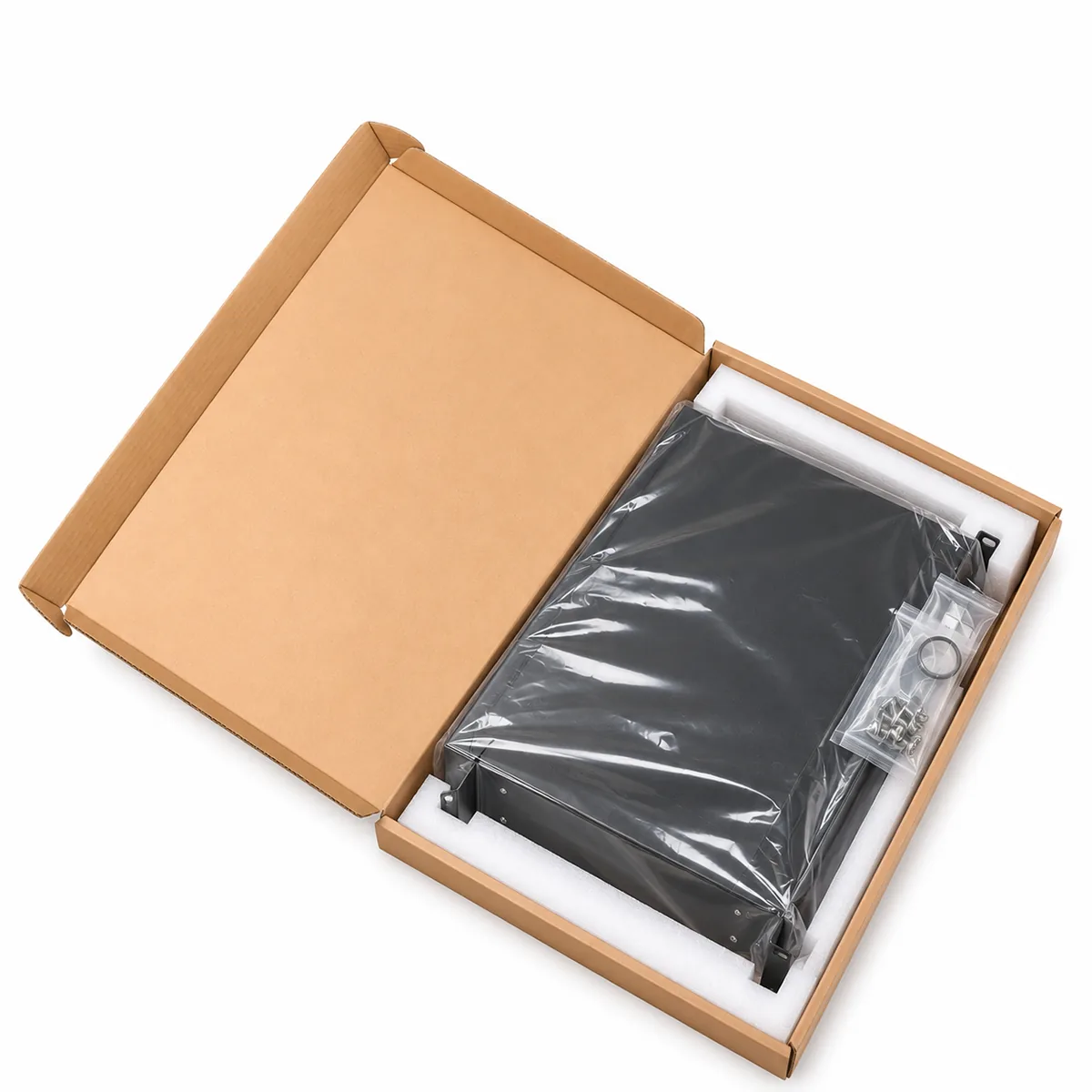
Also confirm the cassette quantity, fiber count, fiber type, polish, MPO/MTP polarity and accessories. MTP connectors are available on request. Labeling and packaging can be customized. The photos show example configurations; supplied contents follow your order.
Send your configuration
Cassette quantity, interfaces, fiber type, polish, MPO polarity and quantity are enough to start. Rack layouts and drawings are welcome.
Request a Quote
Installation
Installation and Packaging
- Check rack clearance and mounting positions, and secure the chassis before handling modules or fibers.
- Secure the incoming cables, allow service slack and follow the bend-radius requirements of the cables and fibers.
- Keep fibers clear of moving parts and avoid connector strain; clean end faces and cap unused ports.
PackagingPackaging and labeling can be agreed to suit your project requirements.
FAQ
3U Sliding MPO Patch Panel FAQ
How many fibers does the panel support?
Up to 144. The chassis holds 12 cassettes, four on each of its three trays, and each cassette takes three LC quad adapters for 12 fibers.
Do the trays slide out separately?
Yes. Each of the three trays slides out independently for cassette connection and maintenance.
Will it fit a standard 19-inch rack?
Yes. The body fits standard 19-inch racks; the 63 cm (24.8 in) overall width includes the side clips. Allow rack depth and service clearance for tray travel.
Can it be used in FTTH networks?
Yes. Besides data center backbone patching, it is used for FTTH rack distribution and enterprise fiber management.
Are MTP connectors available?
Yes. The standard build uses MPO connectors, and MTP connectors are available on request.
Can it be supplied empty or loaded?
Both. Confirm the cassette quantity, fiber count and accessories when you order.
Are samples available?
Samples are available. Contact our sales team to discuss your requirements. You can test the samples yourself, inspect goods with us over a live video call, or audit our factory on site.
What are the lead time and minimum order?
Lead time and minimum order depend on the configuration and quantity. Contact us for lead time on your order.
Related products
You May Also Need
Get a quote
Request a Quote for This Product
Tell us what you need and we will reply within 24 hours on business days. Drawings, rack layouts and BOMs are welcome as attachments.
- Cassette quantity and interfaces
- Fiber type, polish and MPO polarity
- Color, accessories and quantity
- Delivery country and rack layout, if any
Emailsales@fiberack.com
WhatsApp+86 159 6841 7559
PDFNeed the full datasheet?FR-PP-3U-002 Datasheet · PDF, sent by email
Ask for the PDF datasheet in your message and we will email it to you. It covers:
- Standard specifications
- Construction and mechanical data
- Connectivity and capacity
- Configuration, ordering and installation notes